
How do I email a quote or invoice to a client?
Click the "+" button to create a new transaction, select the vehicle from stock, add customer details, set the selling price and terms, then save. Preview the quote as PDF.
Click the "✉︎" button next to Quote/Invoice to email the invoice/quote directly to your client by email.
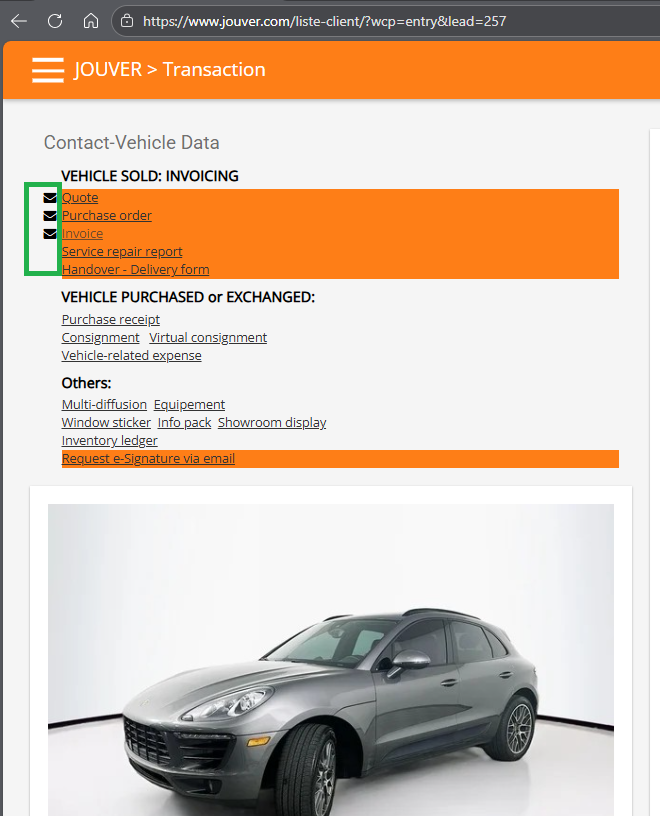
The customer receives a professional PDF quote with all details clearly presented. Jouver keeps the quote in an active state until you close or convert it, making it easy to reference or revise if the customer has questions.
When accepted, send the invoice by email or use e-signature features.