
How do I sell a vehicle to a private individual?
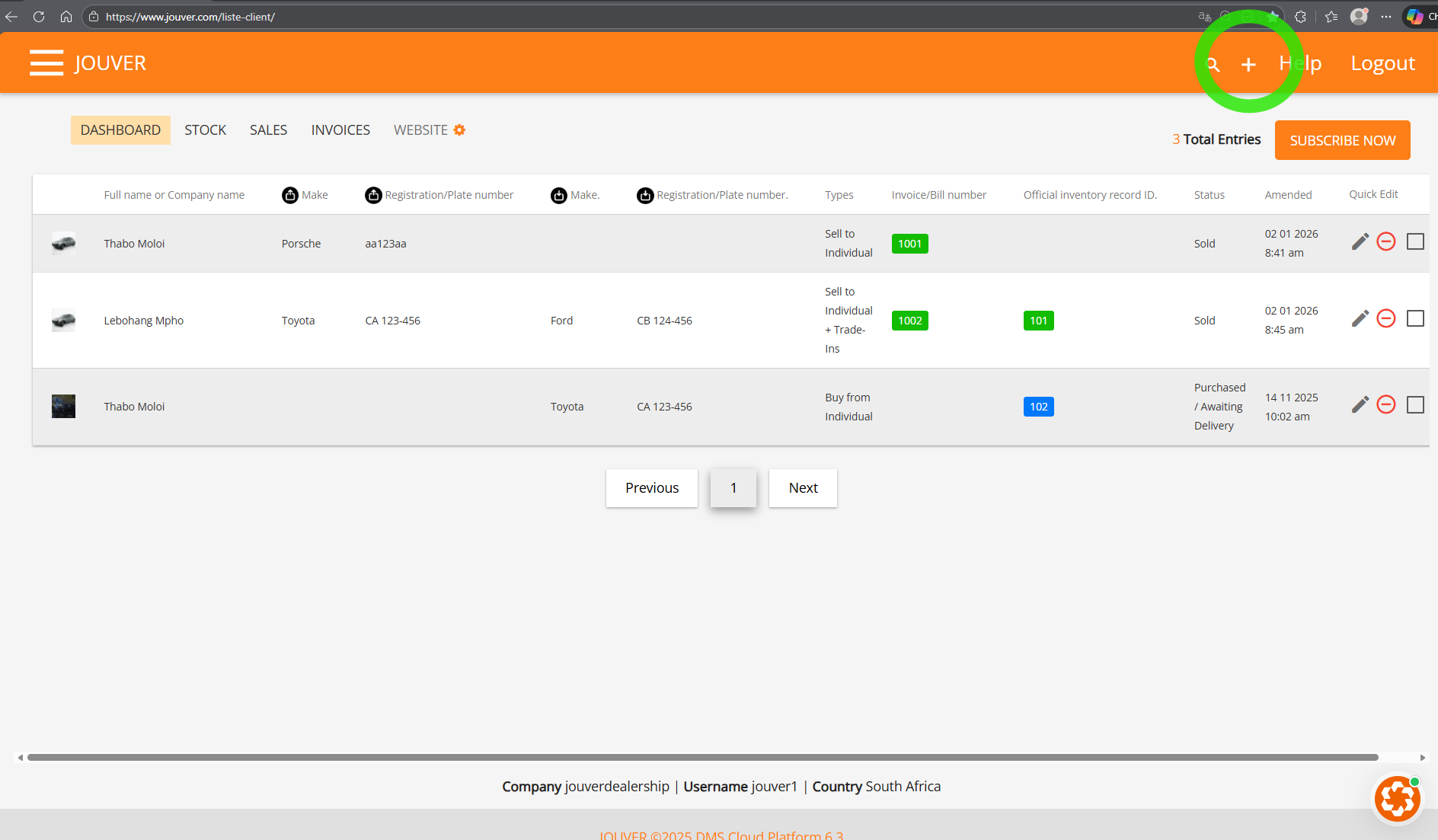
Click the Plus (+) button, select "Sell to individual", choose the client, select the vehicle from stock, verify the selling price, enter any deposit amount, and save. Jouver automatically calculates the remaining balance.
Here is the Plus (+) button
Then Choose Sell to Individual
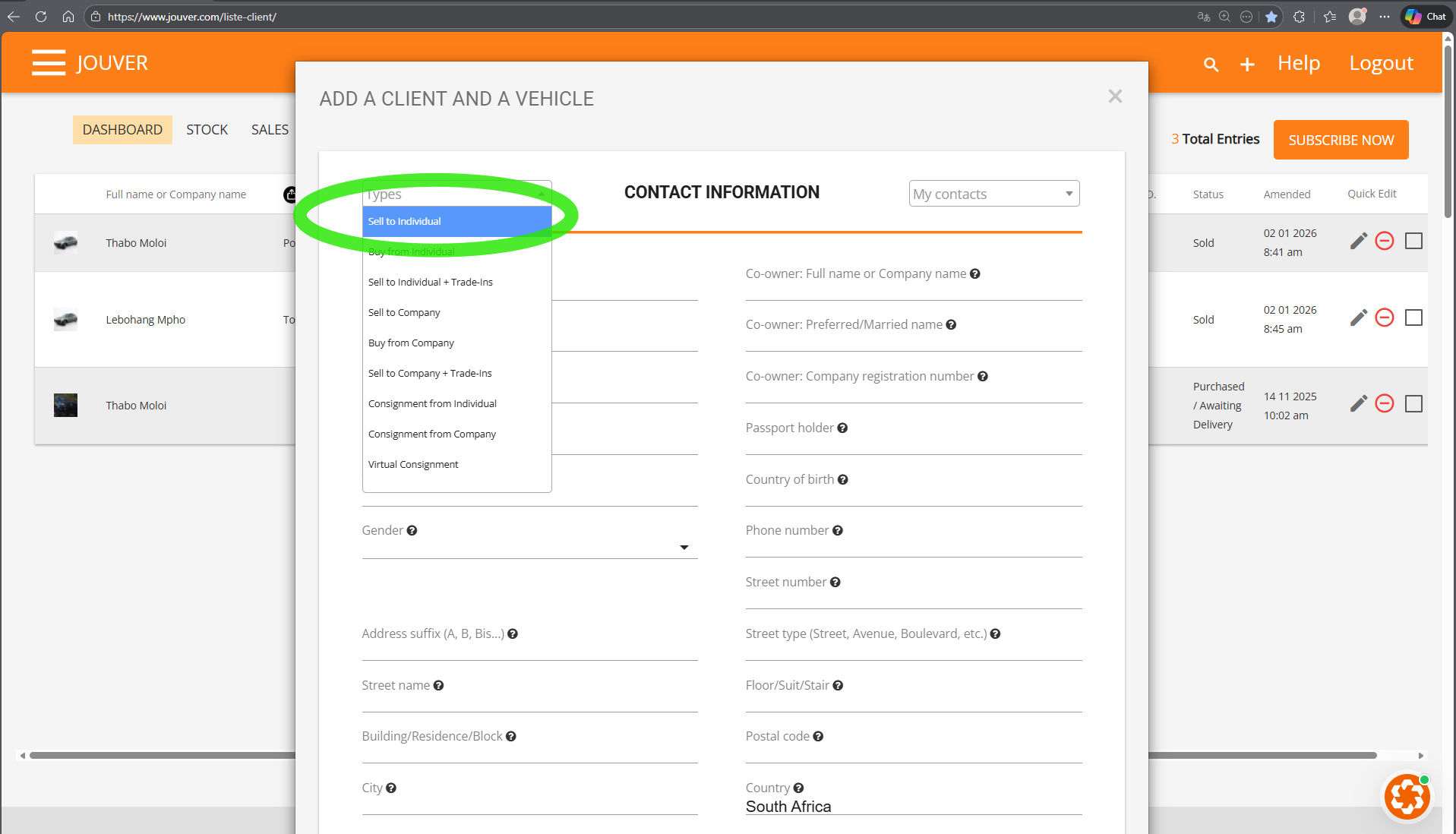
Details: The sales (+) buttonprocess builds on the purchase information already in your system. When you select "Sell to individual", Jouver opens a sales form.
Step 1: Choose your client from your contact list (or create a new one in the form).
Step 2: In the vehicle data section, select which vehicle you're selling from your current stock. Jouver automatically recalls the selling price you set during purchase, though you can adjust it if needed.
Step 3: A new invoice number is assigned automatically based on your sequence. If the client pays a deposit, enter that amount and Jouver displays the remaining balance in red.
Step 4: All sales automatically generate professional documents including quotes, purchase orders, and invoices.
Step 5: The vehicle moves automatically from your Stock menu to your Sales menu, and update your financial metrics.