
How long does it take to set up Jouver?
Setup takes under 5 minutes to get fully functional with professional-looking documents.
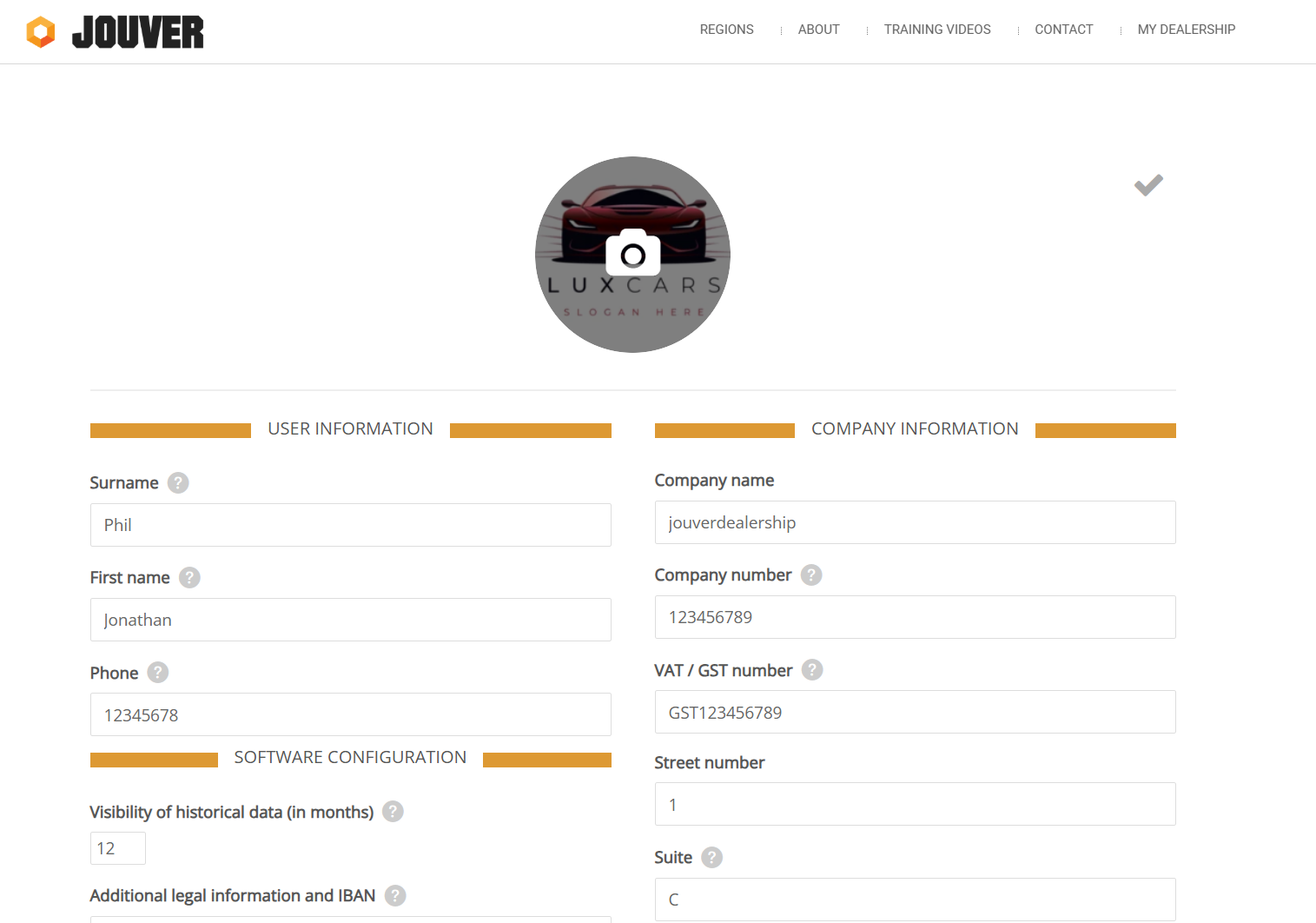
Setup your company information, logo, address, tax registration, and contact details to ensure your invoices and emails look professional. Setup your company information and digital showroom HERE.
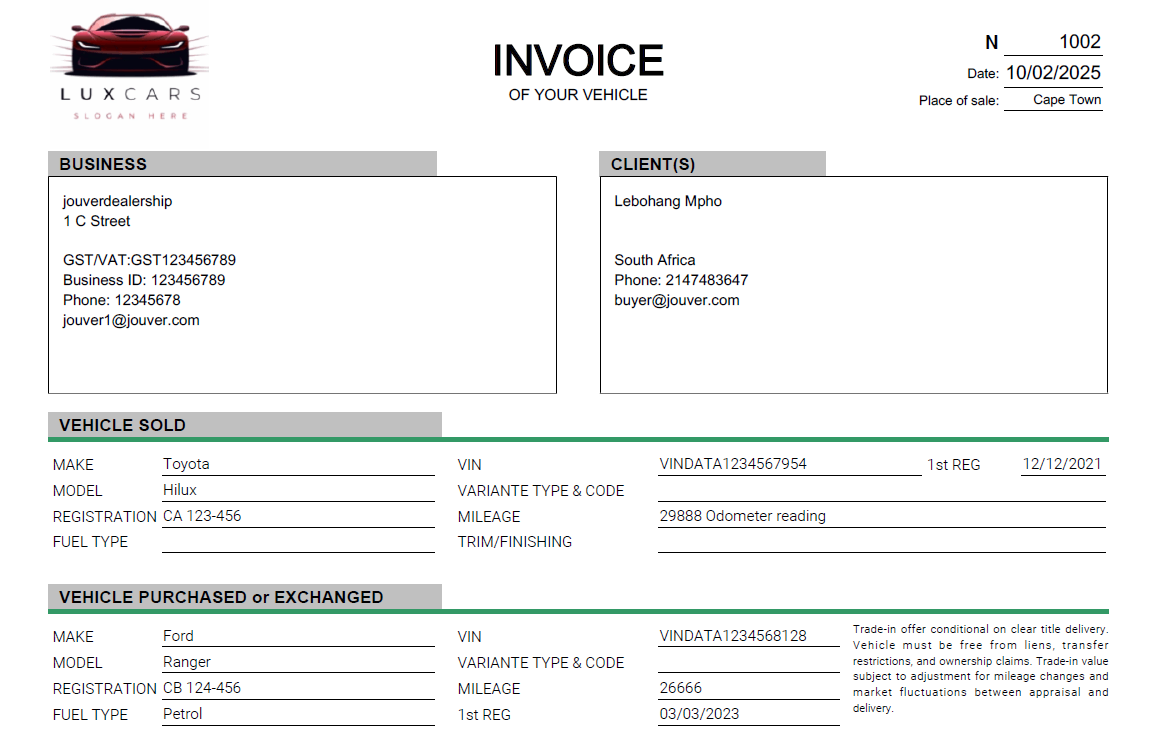
When the information is filled in, you invoice look like this :
And your Digital Showroom (website) will have all the details.

Details: The initial setup process is designed to get you operational quickly while ensuring a professional appearance. Follow these steps:
Step 1: Upload Your Logo
Upload your company logo in JPG or PNG format. Your logo will appear on all generated documents including invoices, purchase orders, and quotes.
Step 2: Enter Company Information
Enter your dealership's official name and complete business address, VAT/GST number, contact details. They will appear on customer-facing documents..
Step 3: Set Up Digital Showroom
Doing the above steps, it will automatically setup your digital showroom, which is your free automated website that displays your inventory.
Once these core details are saved, every document you generate will include your branding and look professional to customers. You can always return to settings later to refine or update information, but this initial 5-minute setup gives you everything needed to start creating transactions, generating invoices, and presenting a polished image to customers immediately.