
How do I set my starting invoice number in Jouver?
When you first log in, Jouver shows two example transactions. Enter your latest invoice number (numerical only, like 1, 1001, or 2025001) and Jouver will continue your numbering sequence from there.
When selling a vehicle, Click + and then under the Pricing and Payment, you have Invoice number
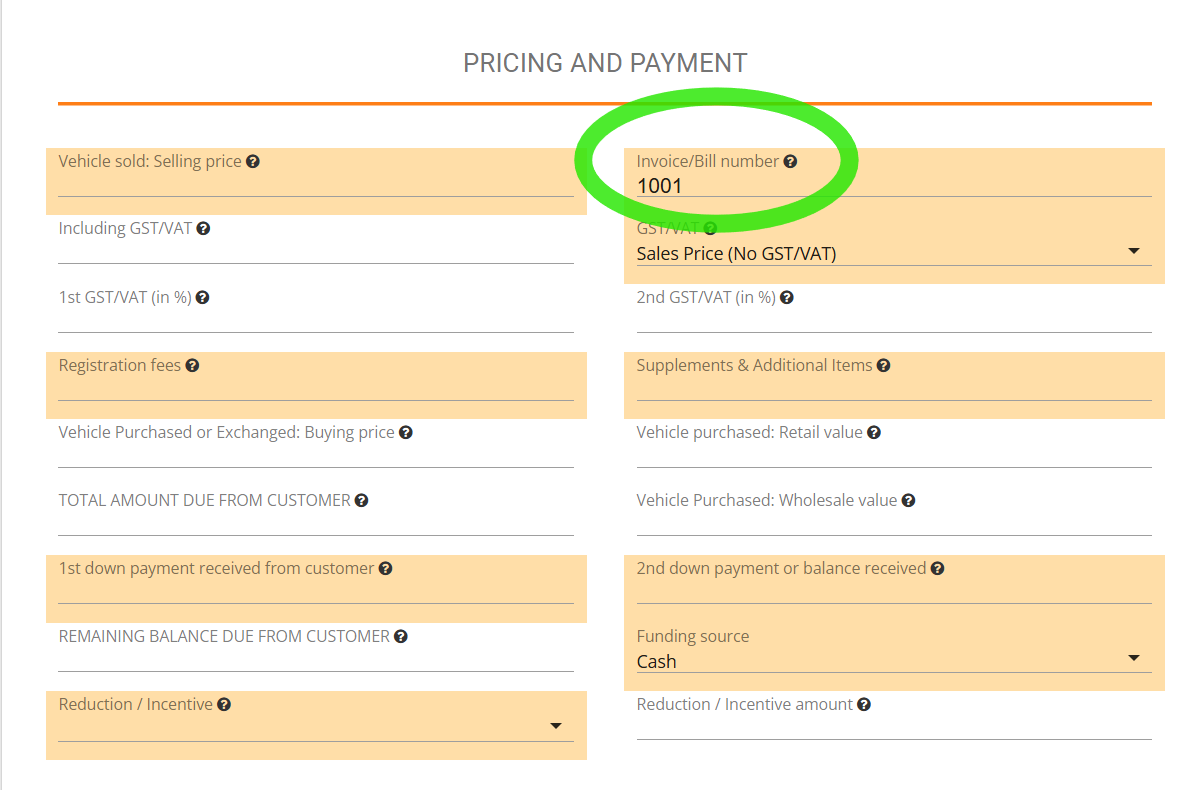
Then your invoice number is updated in Jouver and it is shown in your Dashboard

as well as in your Invoice itself and updated in your accounting.
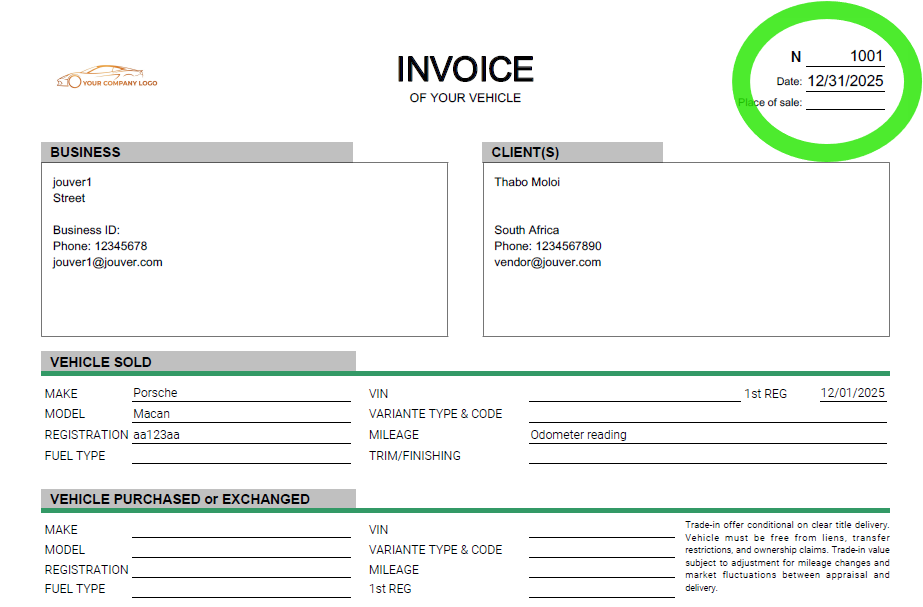
Details: Setting your starting invoice number ensures continuity with your existing invoicing system. The system accepts any numerical format you prefer, whether simple sequential numbers, date-based numbers, or other patterns. After you enter your starting number, Jouver automatically increments for each new invoice. You can always manually adjust individual invoice numbers if needed, but the system maintains your sequence automatically. This prevents gaps or duplicates in your invoice numbering and keeps your records compliant with your local accounting requirements.